
iOS audio journal
JournalStudio
An audio-first journaling app that records locally, transcribes with Whisper, and uses ChatGPT to title and summarize entries. It is built to be a frictionless journaling workflow that can stand alone or integrate with traditional text journalling apps. It is also indispensable in the workflow I prefer for writing project case studies like this one.
Overview
I built JournalStudio to get state-of-the-art transcription and summarization into my journaling flow. Record audio, keep it local in a compact format, send it to Whisper for accurate transcripts, then use GPT to auto-title and summarize before pushing it into my text journal.
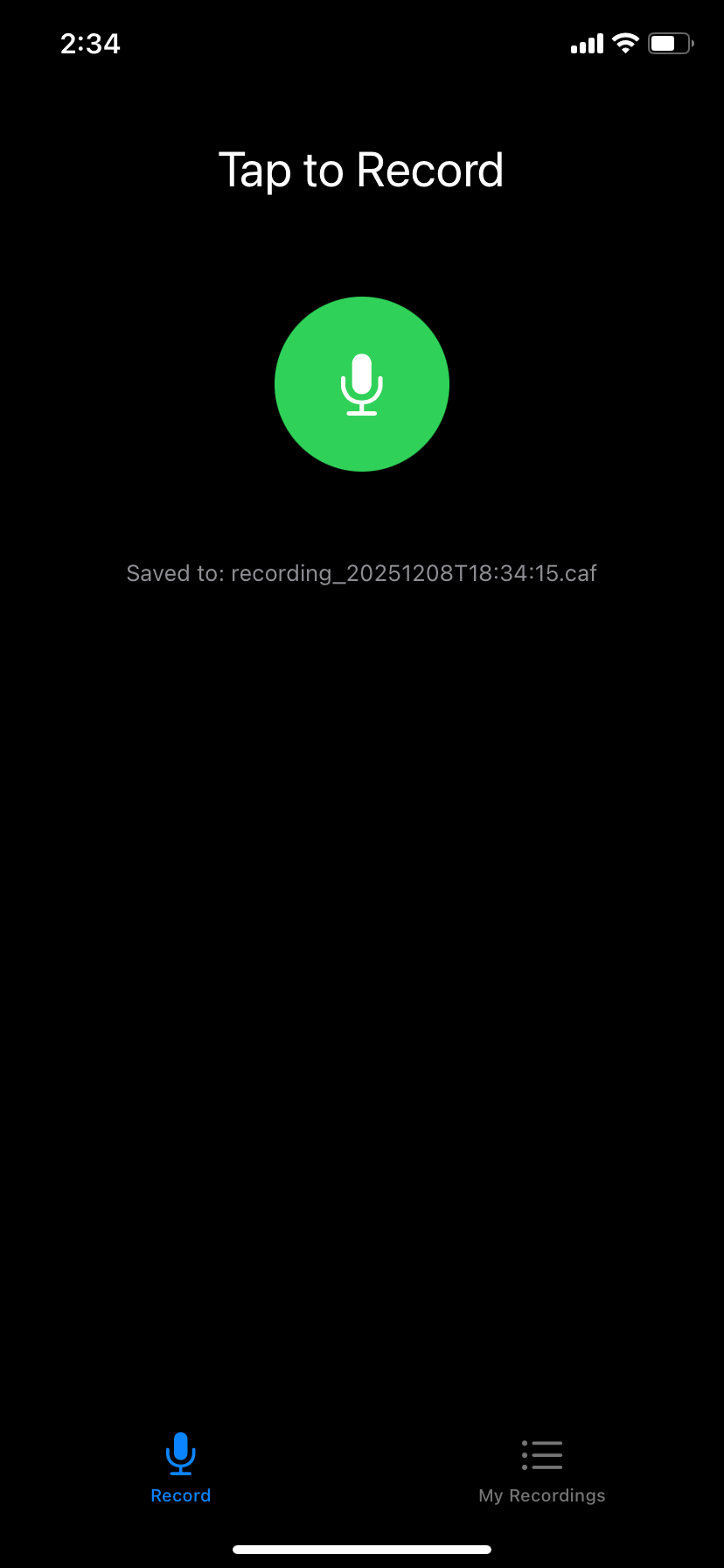
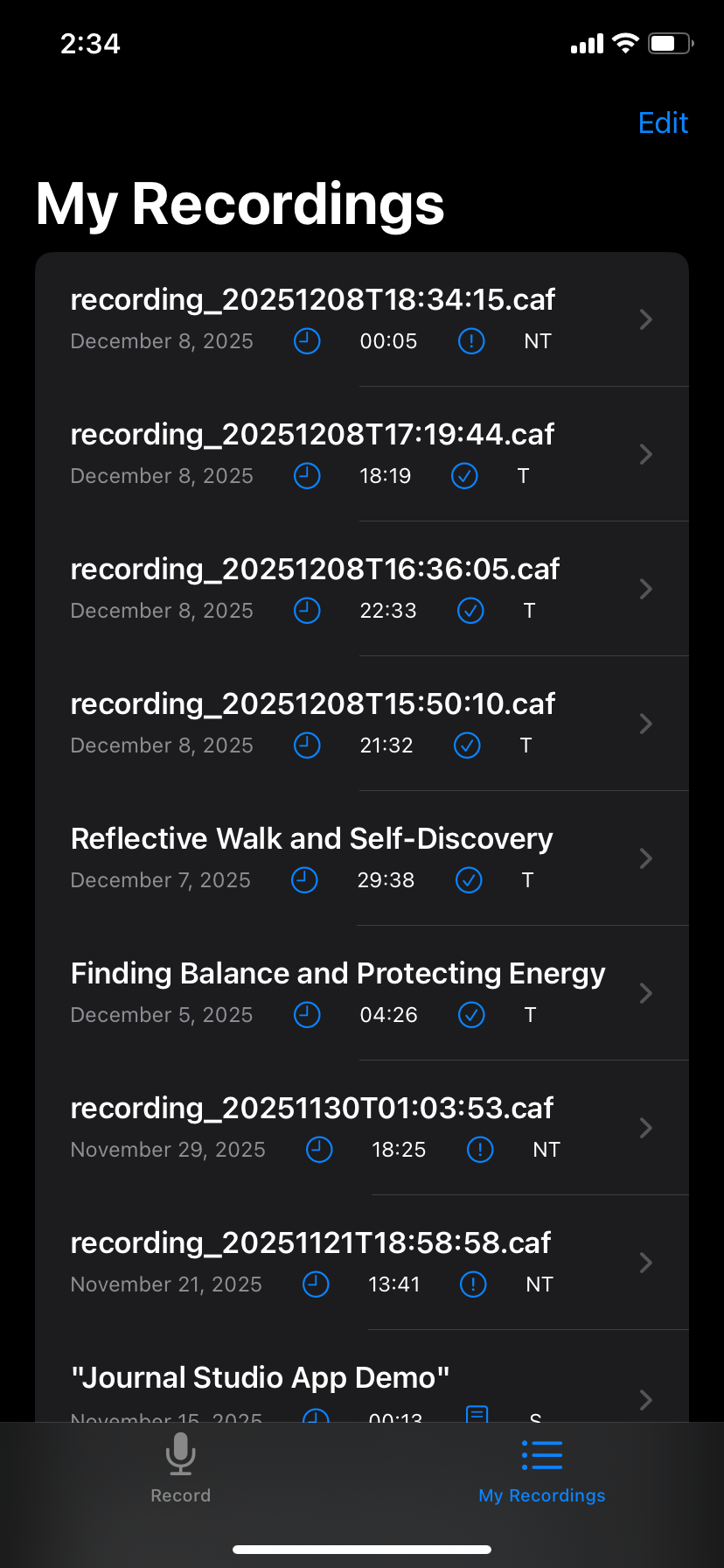
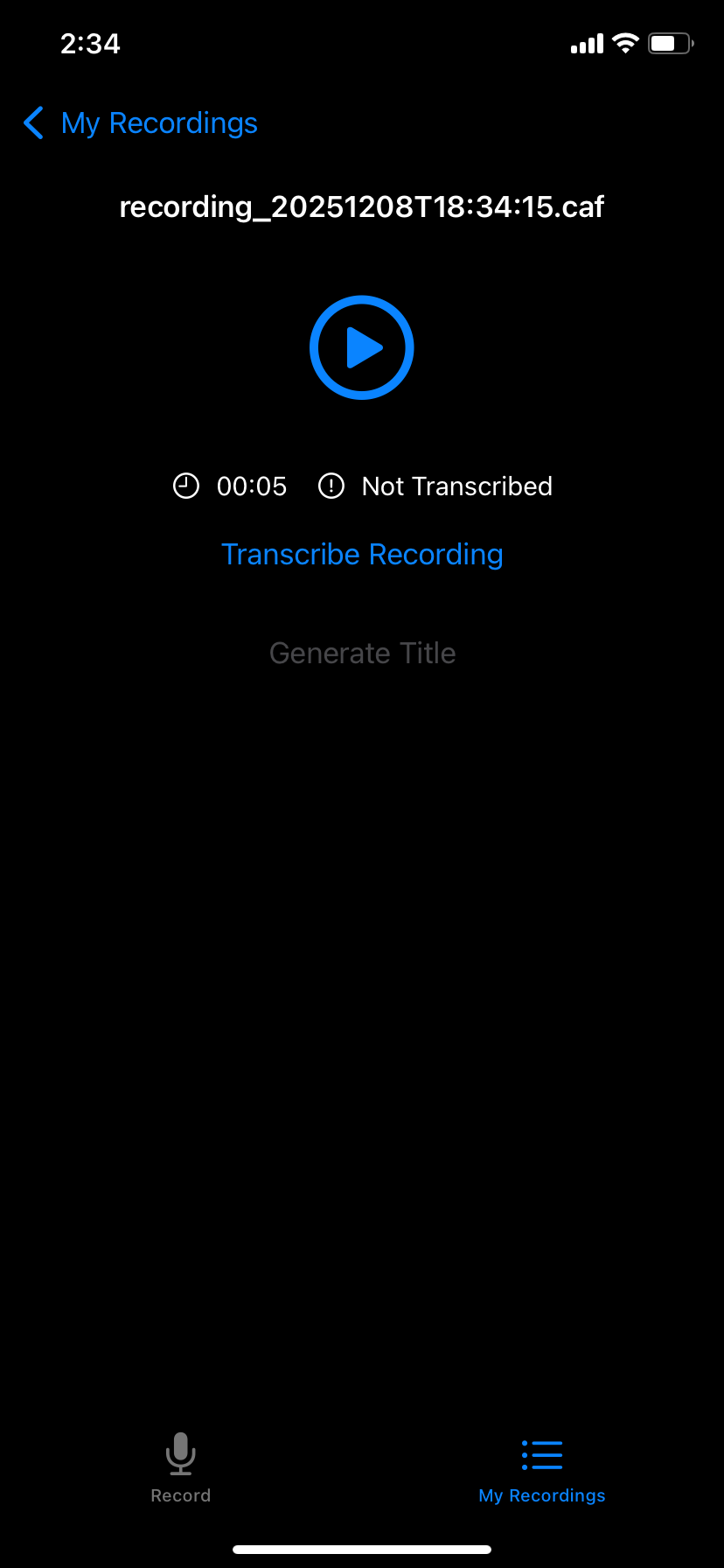
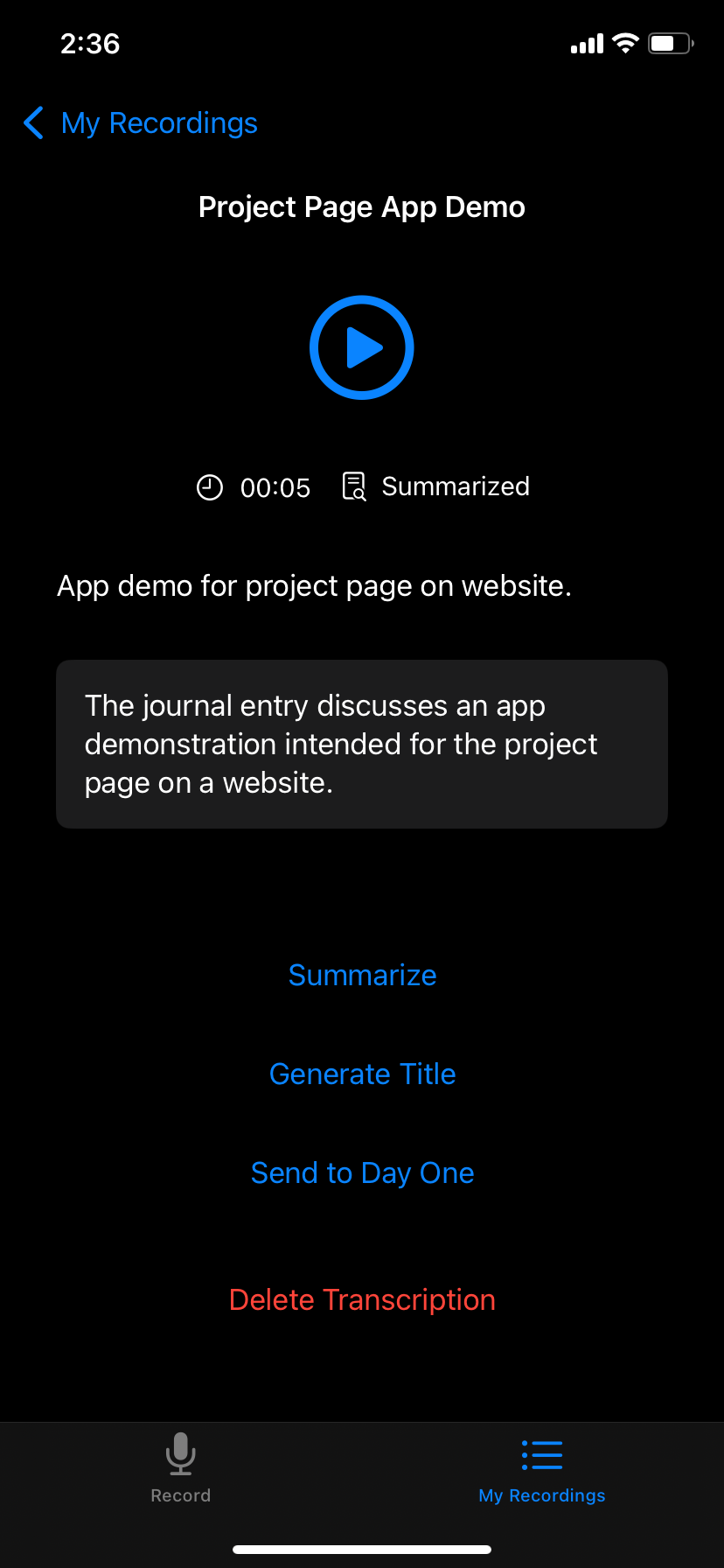
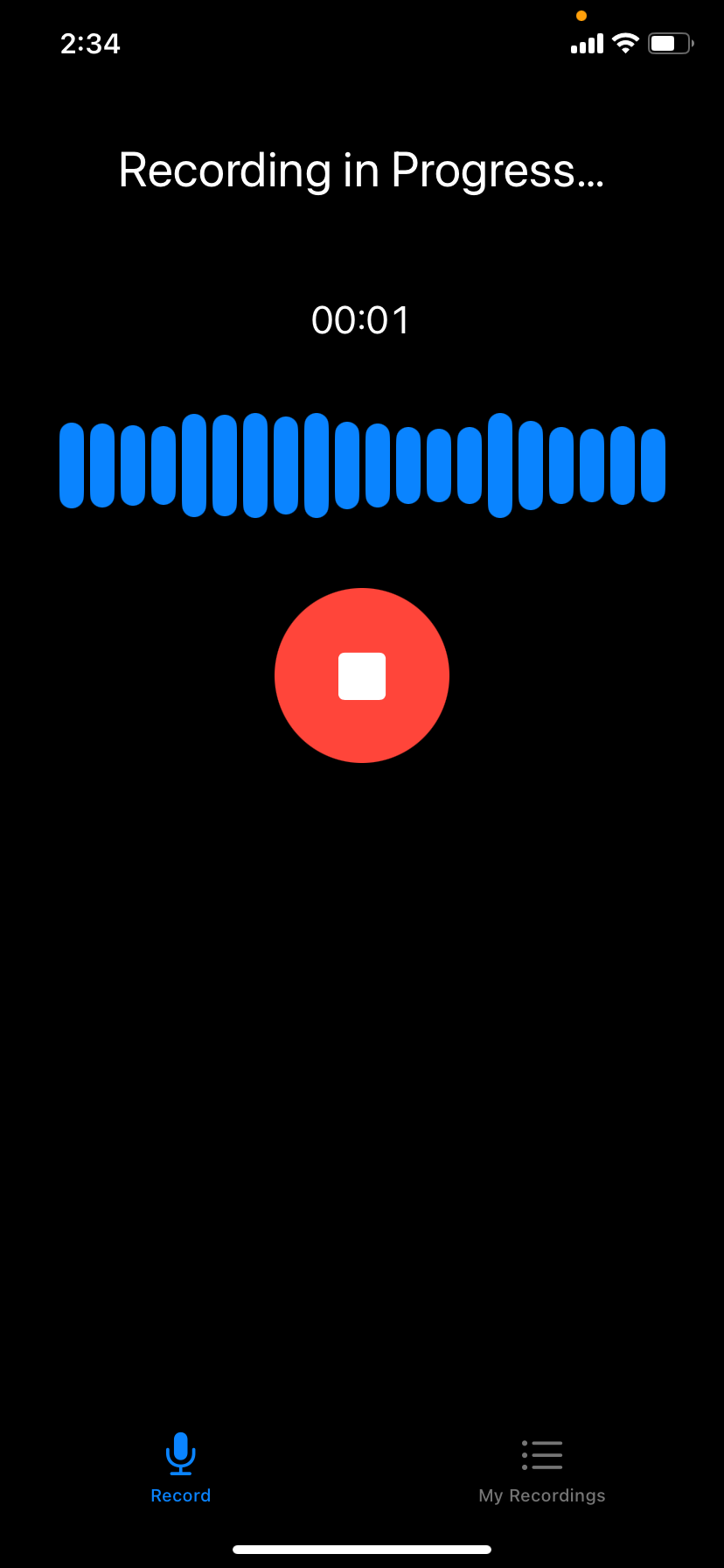
There are two core spaces: a recording tab for capture, and a recordings tab to rename files, request transcriptions, and run AI actions. One button ships the finalized entry--title, date, transcript--straight into the journal section I use for audio logs. I actually used the app to jot down this project writeup.
Key Features
High-fidelity recording
Capture locally in the Opus format--small files with transcription-ready quality.
Background capture
Keep recording with the screen off or while hopping to other apps.
One-tap transcription
Send audio to Whisper via API and get accurate text back, even on long sessions.
AI titling + summaries
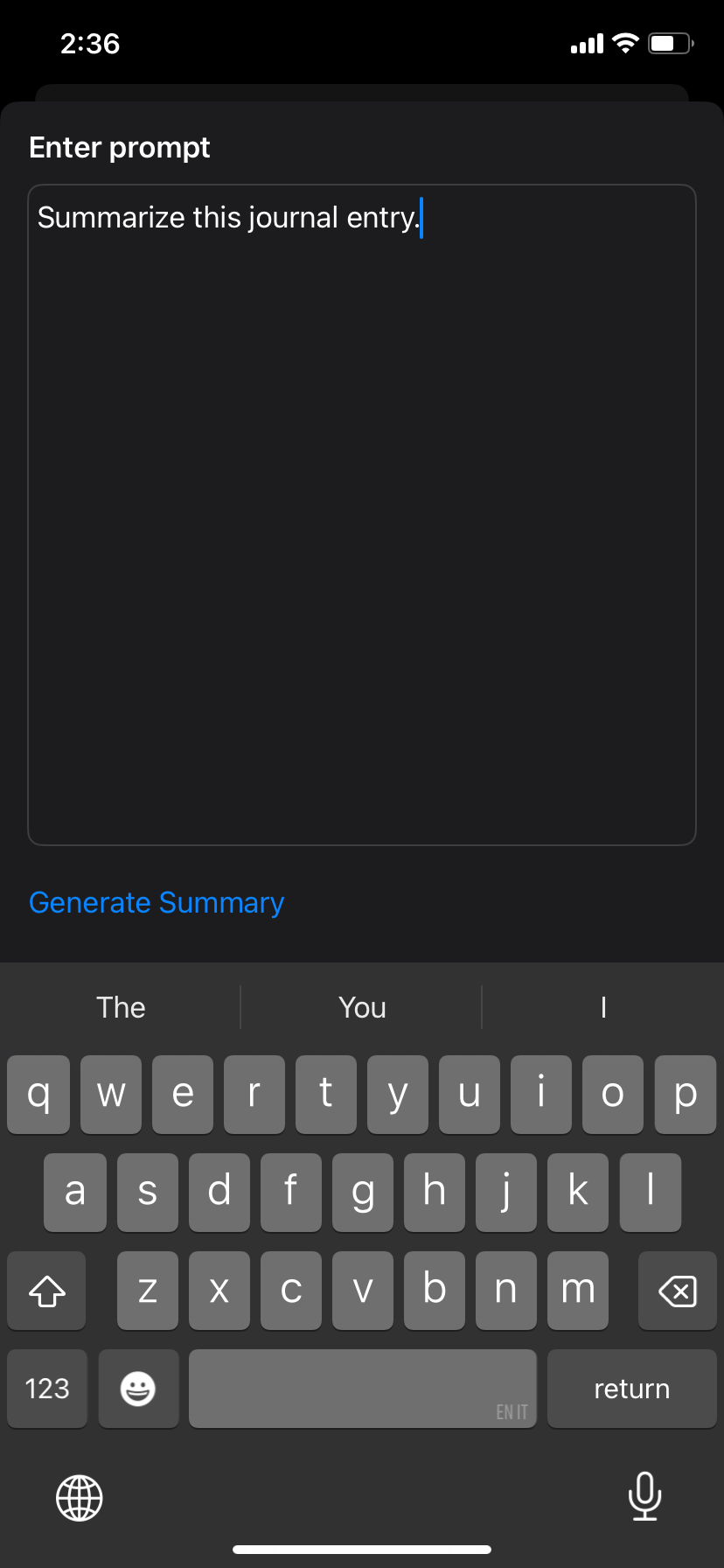
Use GPT to auto-title and summarize, or supply your own prompt for custom output.
Journal export
Package title, date, and transcript and push it directly to your main digital journal.
Flexible retrieval
Rename files, play back recordings, or copy/paste transcripts into any workflow.
Architecture & Tech
The app is a focused Swift build that keeps audio local and leans on APIs for heavy lifting:
- Swift UI layers split into record and recordings tabs, optimized for clarity while capturing.
- Opus storage for compressed, high-fidelity files that stay on-device and keep within API size limits.
- Whisper transcription through OpenAI's API, with extended request timeouts to handle hour-plus recordings.
- GPT-powered summaries using either a default prompt or user-supplied instructions for a tailored recap.
- Journal handoff that formats title/date/transcript and ships it to my preferred section in a separate text journaling app.
- API-key gated for now--kept personal until I add a safer key management flow.
Challenges and Obstacles
- Large files initially broke the 25 MB Whisper limit and timed out--switching to Opus and extending request timeouts fixed long recordings.
- Long transcriptions needed bigger client-side patience; upping the timeout kept the workflow reliable for hour-plus sessions.
- Early UI made it unclear when recording was active--adding animation and indicators solved confidence while capturing.
- API key requirement keeps distribution limited; future work is adding a secure key entry or hosted proxy.
What I Learned
- Handling large media payloads over API: compression strategies, request sizing, and timeout tuning.
- Designing clear recording states and feedback so long captures feel trustworthy.
- Optimizing file sizes for on-device storage, choosing an audio codec with sufficient fidelity and a minimal footprint.
Screenshots